

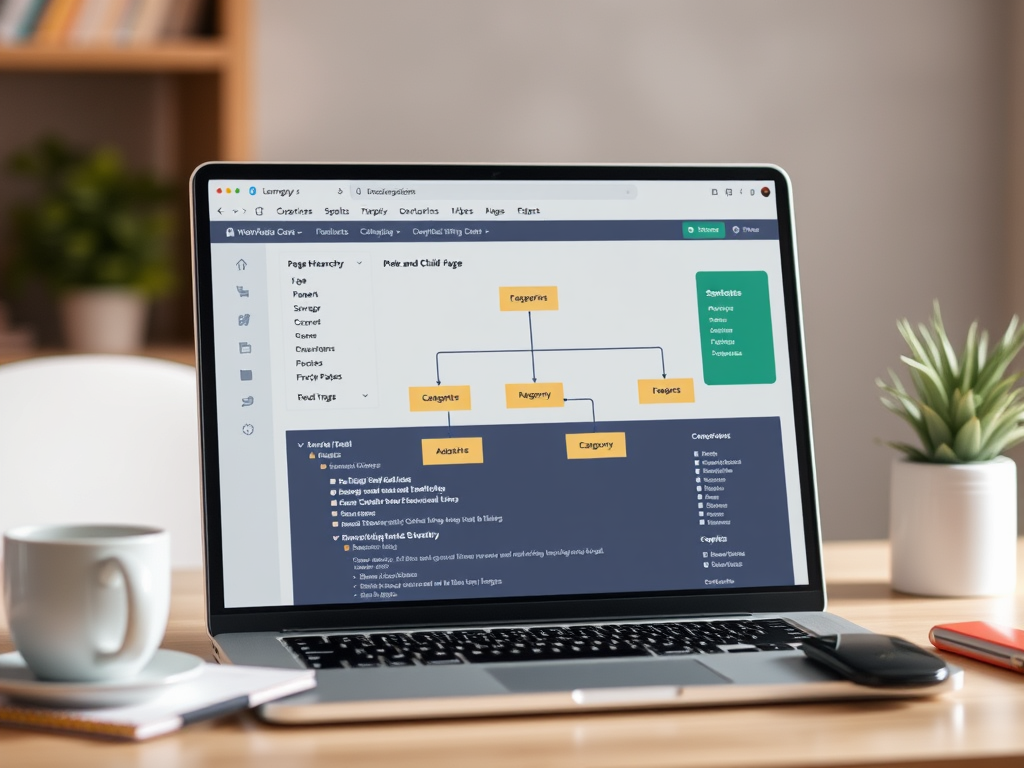
When it comes to organizing your WordPress website, website taxonomy plays a crucial role in ensuring that visitors can find information easily and that search engines understand your site structure. Properly setting up your page hierarchy, categories, tags, and landing pages helps create a user-friendly experience while also improving SEO (search engine optimization).
In this post, we’ll break down website taxonomy in WordPress and share best practices for structuring your content effectively, including how to set up landing pages for external sources like social media.
Page Hierarchy: Organizing Your Site’s Structure
Unlike blog posts, which are organized by categories and tags, pages in WordPress are structured hierarchically. This means you can create parent and child pages to establish a logical flow of information.
Parent and Child Pages
A parent page is a top-level page that serves as an umbrella for related child pages. For example:
- Services (Parent Page)
- Web Design (Child Page)
- SEO Consulting (Child Page)
- Content Marketing (Child Page)
This structure is particularly useful for businesses with multiple services, products, or informational sections.
Breadcrumbs: Enhancing Navigation
Breadcrumbs are navigational elements that show users where they are on your site. They are typically displayed at the top of a page and look something like this:
Home > Services > SEO Consulting
Breadcrumbs help users navigate back to broader topics easily and contribute to SEO by clarifying site structure for search engines. Many WordPress themes and plugins, such as Yoast SEO, provide built-in breadcrumb functionality.
How Page Hierarchy Relates to the Site Menu
Your WordPress menu can reflect your page hierarchy by displaying dropdowns under parent pages. For example, in the menu:
- Services
- Web Design
- SEO Consulting
- Content Marketing
This keeps navigation clean and intuitive while allowing visitors to explore deeper content effortlessly.
Categories and Tags: Organizing Blog Content
While pages are structured hierarchically, blog posts are categorized using categories and tags, which serve as taxonomies to group related content.
Categories: Broad Grouping for Blog Posts
Categories provide a general way to organize content into high-level topics. Each blog post should be assigned at least one category, but it’s best to keep the total number of categories limited and strategic.
For example, a business blog might have these categories:
- Marketing Tips
- Company News
- Case Studies
- Technology Trends
If a post falls under multiple relevant categories, it’s okay to assign more than one, but avoid excessive overlap.
Tags: Specific Keywords for Blog Posts
Tags are more specific than categories and help identify key topics within a post. Unlike categories, tags don’t follow a hierarchy—they work like keywords that connect related content.
For example, a blog post about SEO strategies might use these tags:
- SEO
- Google rankings
- Keyword research
- Website traffic
Tags allow users to find related articles quickly. However, avoid creating too many unique tags—stick to commonly used terms.
Categories and Tags for Pages
By default, WordPress does not support categories and tags for pages, but this functionality can be added using plugins like Post Tags and Categories for Pages. This is useful if you want to organize informational pages similar to how you categorize blog content.
Landing Pages: Optimizing Entry Points from Social Media and External Links
While your homepage or service pages serve as general entry points, creating dedicated landing pages for visitors from external sources—such as social media, email campaigns, or ads—can significantly improve engagement and conversions.
What Is a Landing Page?
A landing page is a standalone page designed for a specific purpose, such as promoting an offer, capturing leads, or guiding users toward a call-to-action. Unlike regular pages, landing pages often minimize distractions by removing menus and extraneous links to keep visitors focused.
Best Practices for Landing Pages in WordPress
- Create Unique Landing Pages for Different Sources
- If you’re running multiple social media campaigns, tailor each landing page based on the audience.
- Example: A LinkedIn ad about B2B SEO Services should link to a page specifically highlighting your SEO offerings for businesses.
- Keep It Focused on a Single Goal
- A good landing page has one clear call-to-action (CTA)—whether it’s signing up for a newsletter, downloading a resource, or making a purchase.
- Use SEO-Friendly URLs
- Keep URLs short and descriptive, like:
yourbusiness.com/linkedin-seo-guideyourbusiness.com/facebook-promo
- Keep URLs short and descriptive, like:
- Remove Unnecessary Navigation
- To keep users engaged, consider removing the standard menu and footer so they stay focused on your message.
- Match the Messaging from the External Source
- If your Instagram post promises a 10% discount, ensure that the landing page reiterates that exact offer.
- Track Performance with Analytics
- Use tools like Google Analytics and UTM parameters to track how different landing pages perform.
Where to Use Landing Pages
- Social Media Campaigns – Custom pages for Facebook, LinkedIn, Instagram, and Twitter/X ads.
- Email Marketing – Personalized offers for your subscribers.
- Pay-Per-Click (PPC) Ads – Dedicated pages for Google Ads, ensuring relevance and better conversion rates.
- Affiliate & Partner Links – Pages customized for specific referral sources.
Best Practices for Website Taxonomy in WordPress
- Keep Your Page Structure Simple – Don’t create too many levels of hierarchy. Ideally, pages should be no more than three levels deep.
- Use Clear and Consistent Naming – Whether for menus, categories, tags, or landing pages, use terminology that makes sense to your audience.
- Limit the Number of Categories – Aim for 5–10 broad categories to keep content organized without overwhelming users.
- Use Tags Sparingly and Strategically – Tags should help users find related content; avoid overly specific or redundant tags.
- Implement Breadcrumb Navigation – This improves user experience and SEO by clarifying the site’s structure.
- Regularly Audit Your Taxonomy – Over time, update your categories, tags, page structure, and landing pages to reflect your evolving business.
- Leverage Landing Pages for External Traffic – Keep your marketing efforts cohesive by aligning landing pages with the expectations set by social media and other sources.
Conclusion
A well-structured website taxonomy makes your WordPress site easier to navigate, improves search rankings, and helps visitors find what they need quickly. By thoughtfully organizing your pages, menus, categories, tags, and landing pages, you create a more intuitive experience for both users and search engines.
If you need help optimizing your WordPress website’s structure, Chesley Software can provide expert guidance. Contact us today to ensure your site is well-organized and ready to grow!
